Release Note
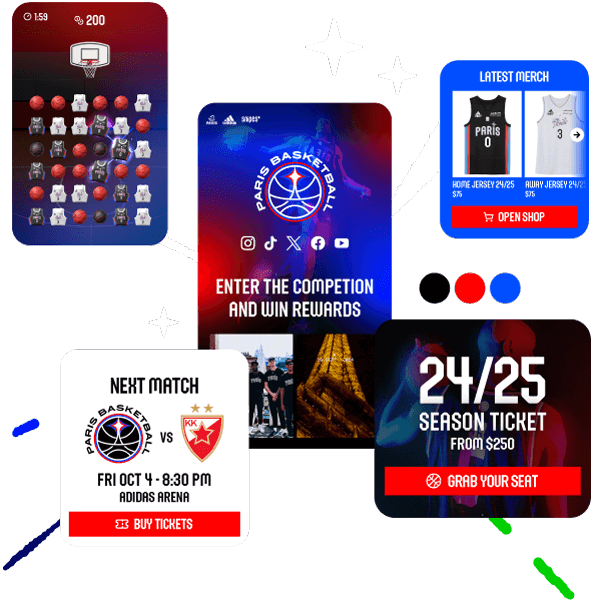
🏟️ A new way to structure your Match Day experiences
Today, the fan experience goes far beyond a single activation. Between practical information, editorial content, and commercial opportunities, fan expectations are evolving and require a clearer, more dynamic, and more engaging structure.
Until now, much of the Match Day content had to be recreated for each event, even when certain information remained the same. This approach could make management more complex for organizers and fragment the experience for users.
With the introduction of Custom Tabs, the Fanzone takes a new step forward: it becomes more modular, able to adapt to every key moment of your season while centralizing your content.
🧩 A Fanzone now structured with dynamic tabs
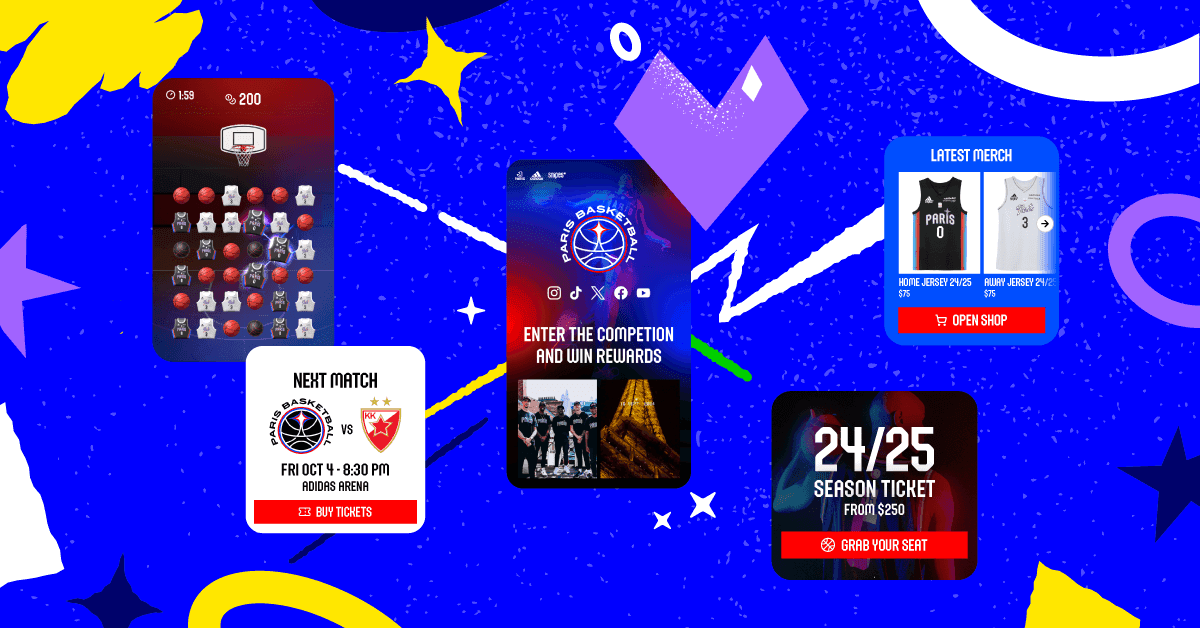
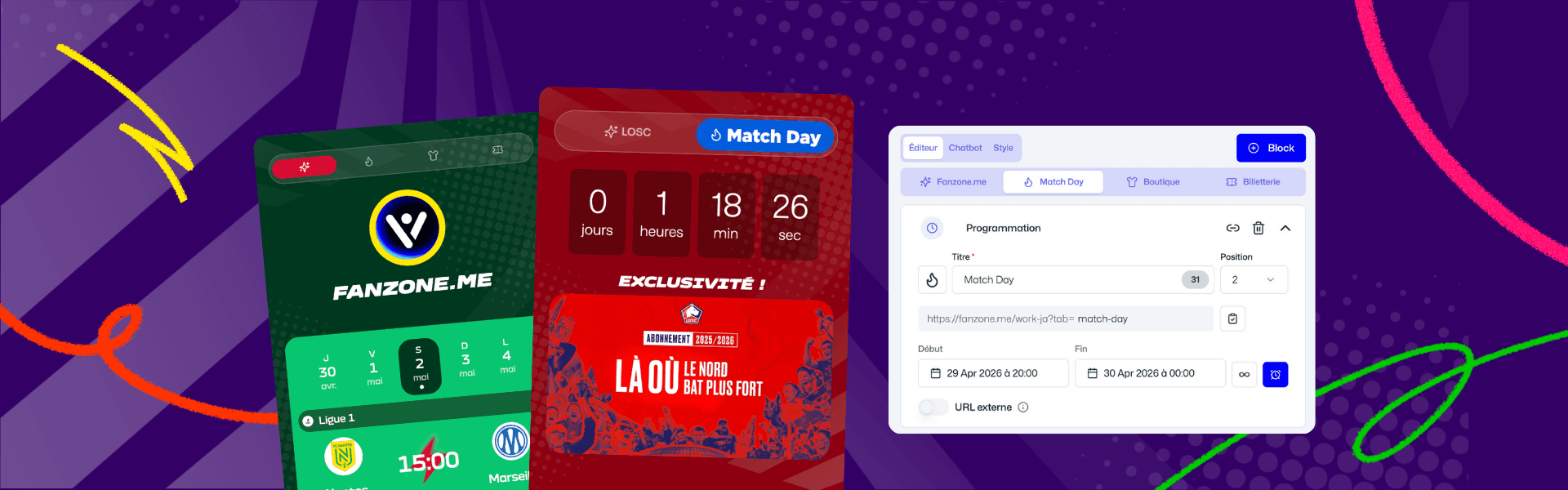
You can now enhance your Fanzone with one, two, or three additional tabs alongside the main tab. Each tab becomes a dedicated space designed to meet a specific goal, such as Match Day, Shop, Ticketing, or a promotional campaign.
This evolution allows you to organize your content more clearly and provide fans with instant access to key information, without having to navigate between multiple experiences or platforms.
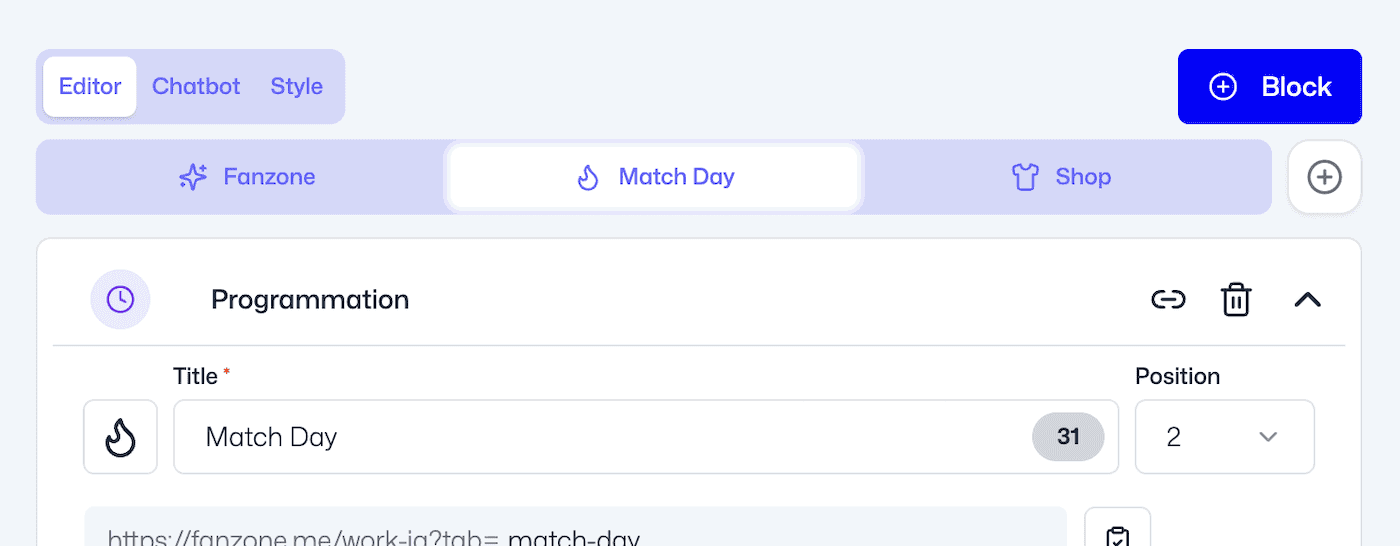
Tabs can be fully customized, from their title to their icon and position, ensuring seamless integration with your brand universe.
⏱️ Smart activation based on your events
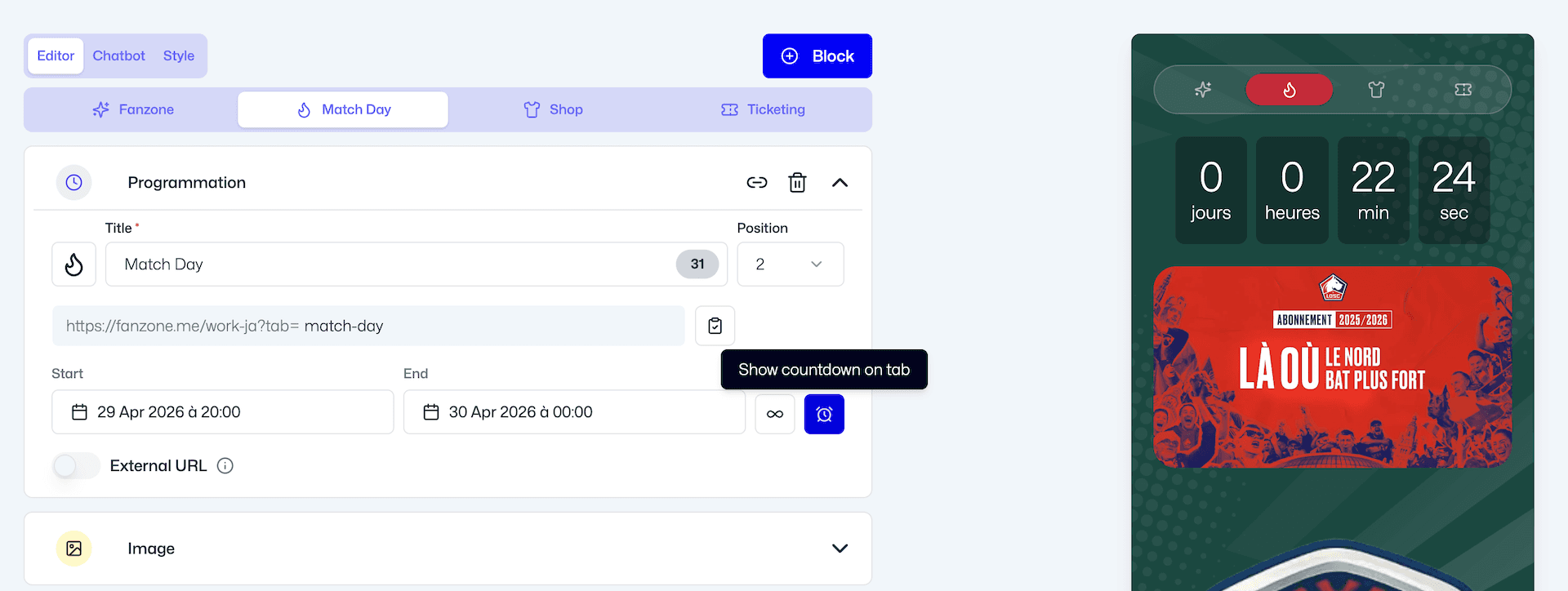
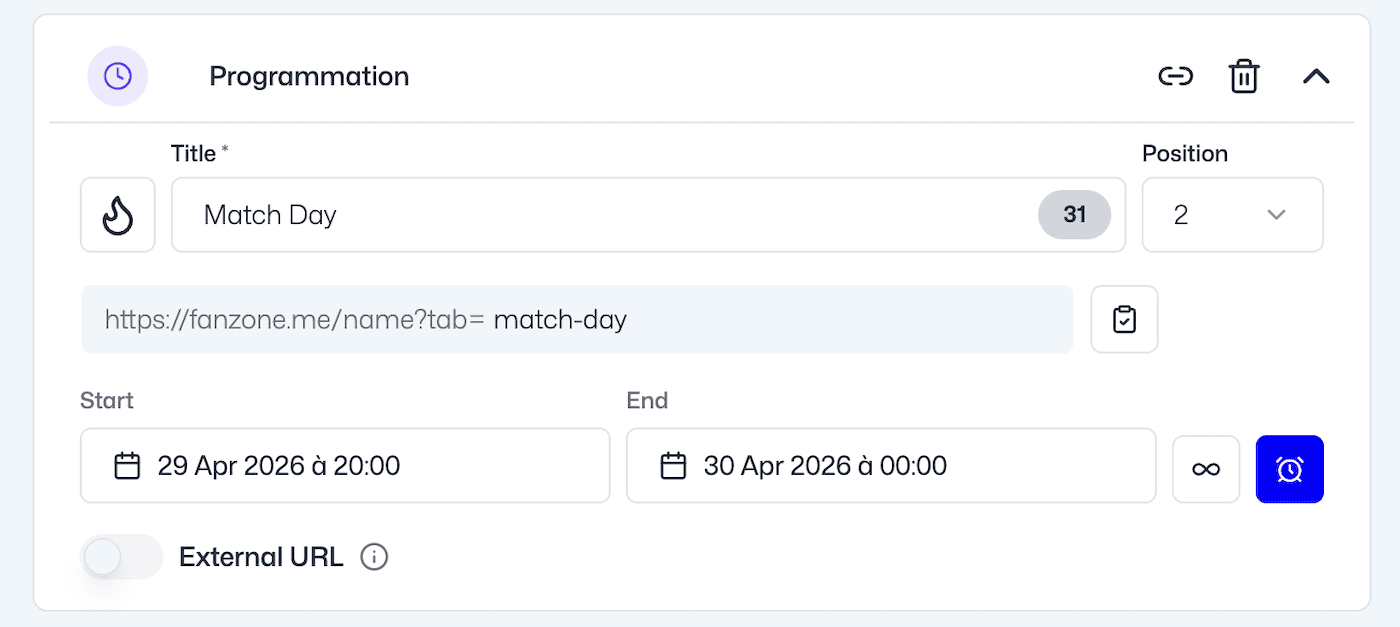
Each tab can be scheduled to appear at the most relevant moment. You can define a start and end date and time, allowing a tab to be automatically activated during a match or a specific campaign.
This scheduling logic enables you to create contextual experiences, visible only when relevant to your fans, while avoiding interface overload the rest of the time.
Additional options such as countdown timers or permanent visibility further enhance this flexibility. Once the defined end date and time are reached, the tab disappears and users are automatically redirected to the main Fanzone, ensuring a smooth and uninterrupted experience.
🔗 Direct access to each tab via a dedicated URL
Each tab now has its own URL, making it possible to direct fans straight to a specific piece of content.
This feature unlocks new marketing activation opportunities: sharing a Match Day tab on social media, promoting a shop or ticketing page through dedicated campaigns, or creating targeted entry points for different audiences.
🔄 Simplified content management across tabs
Content is no longer siloed. You can now move a block from one tab to another or duplicate it. This significantly reduces creation time and ensures overall consistency across your activations.
This shared content logic allows you to reuse recurring elements such as practical information, while still keeping the flexibility to tailor each tab to its specific purpose.
📊 Precise performance tracking per tab
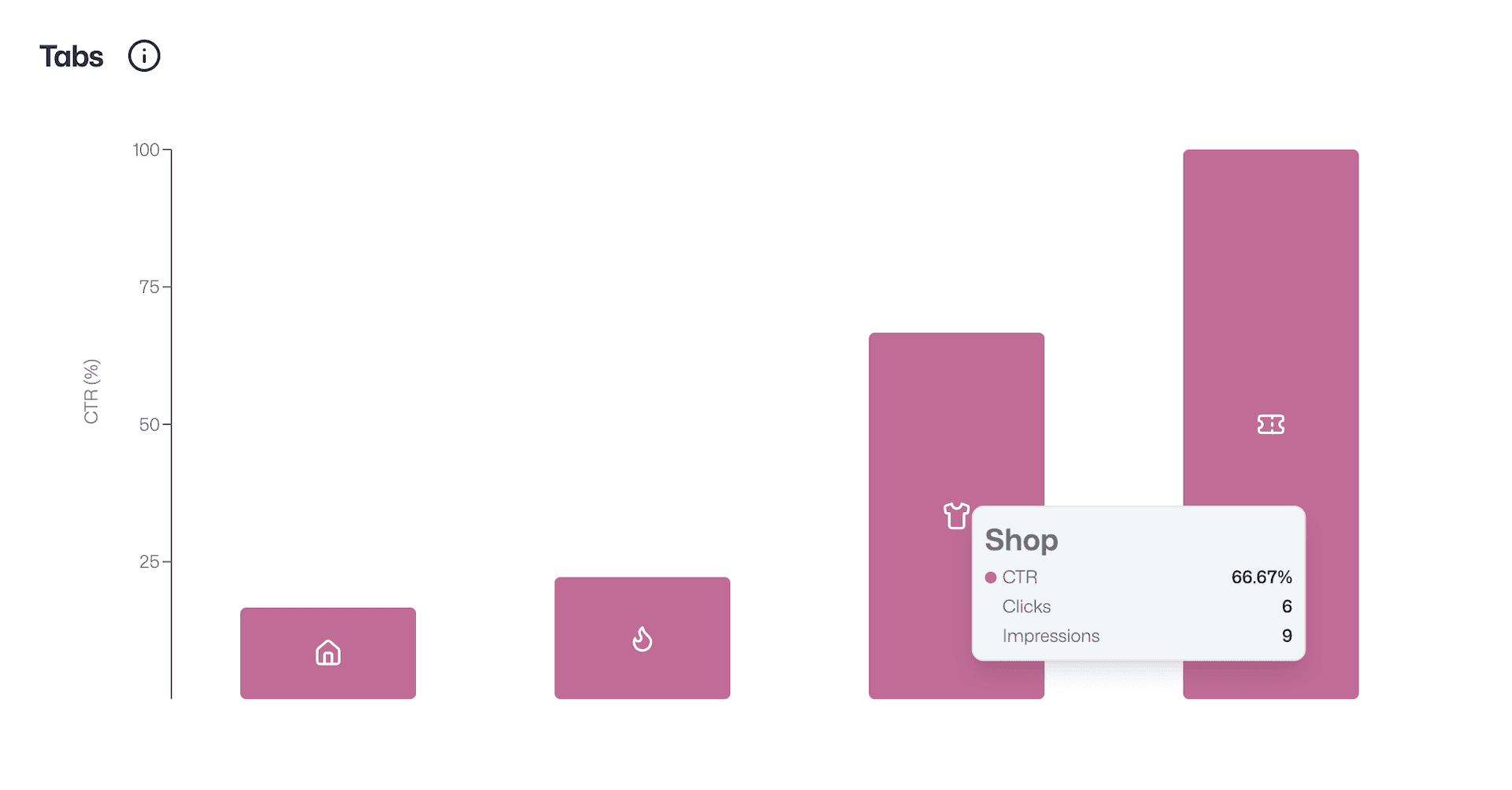
Custom Tabs also introduce a new level of performance analysis within the Fanzone. You can measure engagement for each tab through indicators such as impressions and clicks.
This level of detail helps you quickly identify the most effective content, optimize user journeys, and refine your activation strategies based on real fan behavior.
With Custom Tabs, the Fanzone is no longer a single space but becomes a true hub capable of centralizing your activations, increasing fan engagement time, and unlocking new monetization opportunities.
This evolution is part of the continuous improvements made to the platform, with a clear objective: to deliver a more structured, more efficient, and ever more engaging experience for your audiences.
FAQ – Custom Tabs in Fanzone
1. What are Custom Tabs in a Fanzone?
Custom Tabs are additional sections within your Fanzone that allow you to organize content into dedicated spaces such as Match Day, Shop, Ticketing, or promotional campaigns. They help structure the fan experience in a clearer and more engaging way.
2. How do Custom Tabs improve fan engagement?
By giving fans direct access to relevant content at the right time, Custom Tabs reduce friction and increase interaction. Fans can easily find Match Day information, exclusive content, or offers without navigating multiple experiences.
3. Can I schedule Custom Tabs for specific events?
Yes, Custom Tabs can be scheduled with start and end dates and times. This allows you to automatically activate tabs for specific events like Match Day and ensure they are only visible when relevant.
4. Is it possible to share a specific tab with fans?
Each Custom Tab has its own dedicated URL, making it easy to share targeted content through social media, email campaigns, or paid ads, and drive fans directly to the right experience.
5. How can I track the performance of each tab?
You can analyze the performance of each Custom Tab using metrics such as impressions and clicks. This helps you identify the most engaging content and optimize your fan engagement strategy.