Release Note
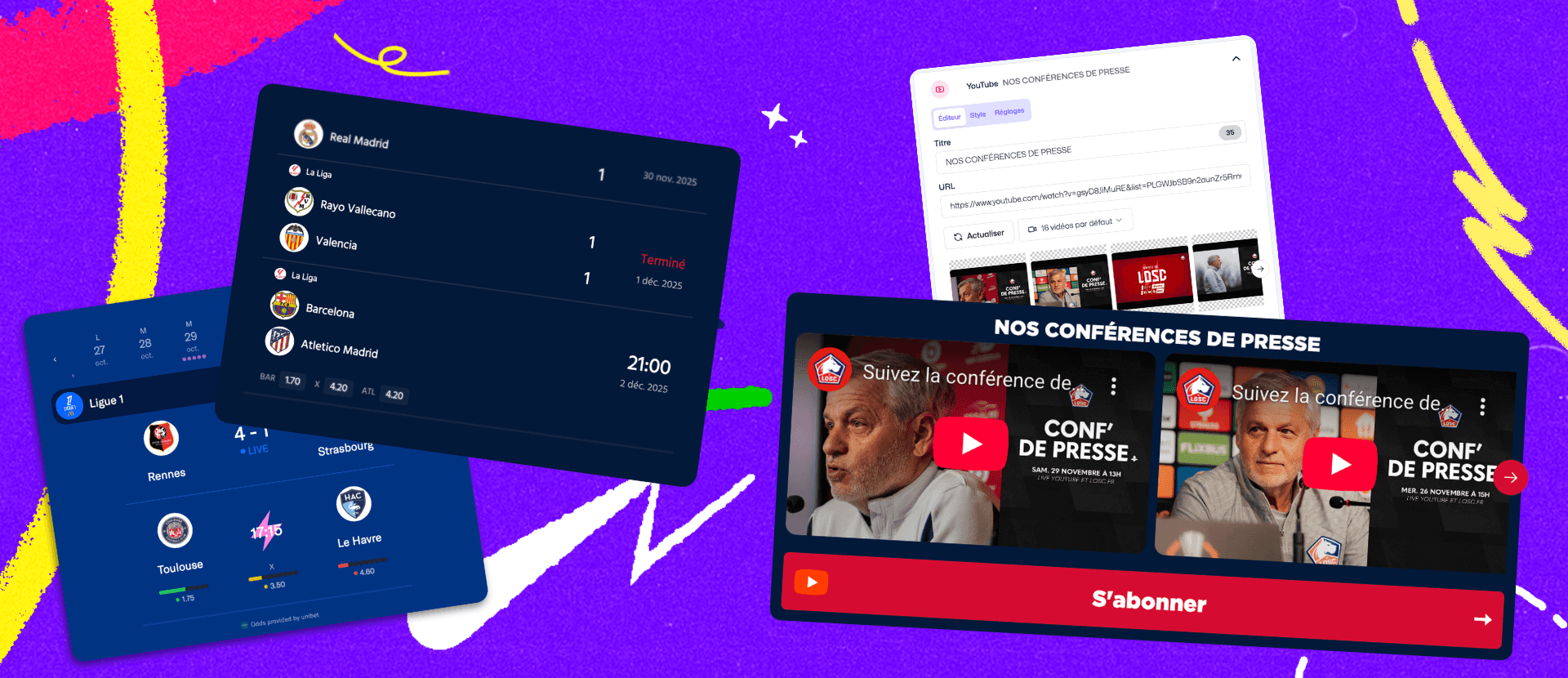
This new release improves two key components of your Fanzones: the Sports Calendar and the YouTube Block. Our goal: give you more control over the display, reduce manual maintenance and make it easier to update your sports and video content.
🗓️ Sports Calendar: new display modes and advanced options
The Sports Calendar Block continues to evolve to adapt to more use cases. We have added several key improvements to give you more freedom in presenting matches and events.
✨ What's new
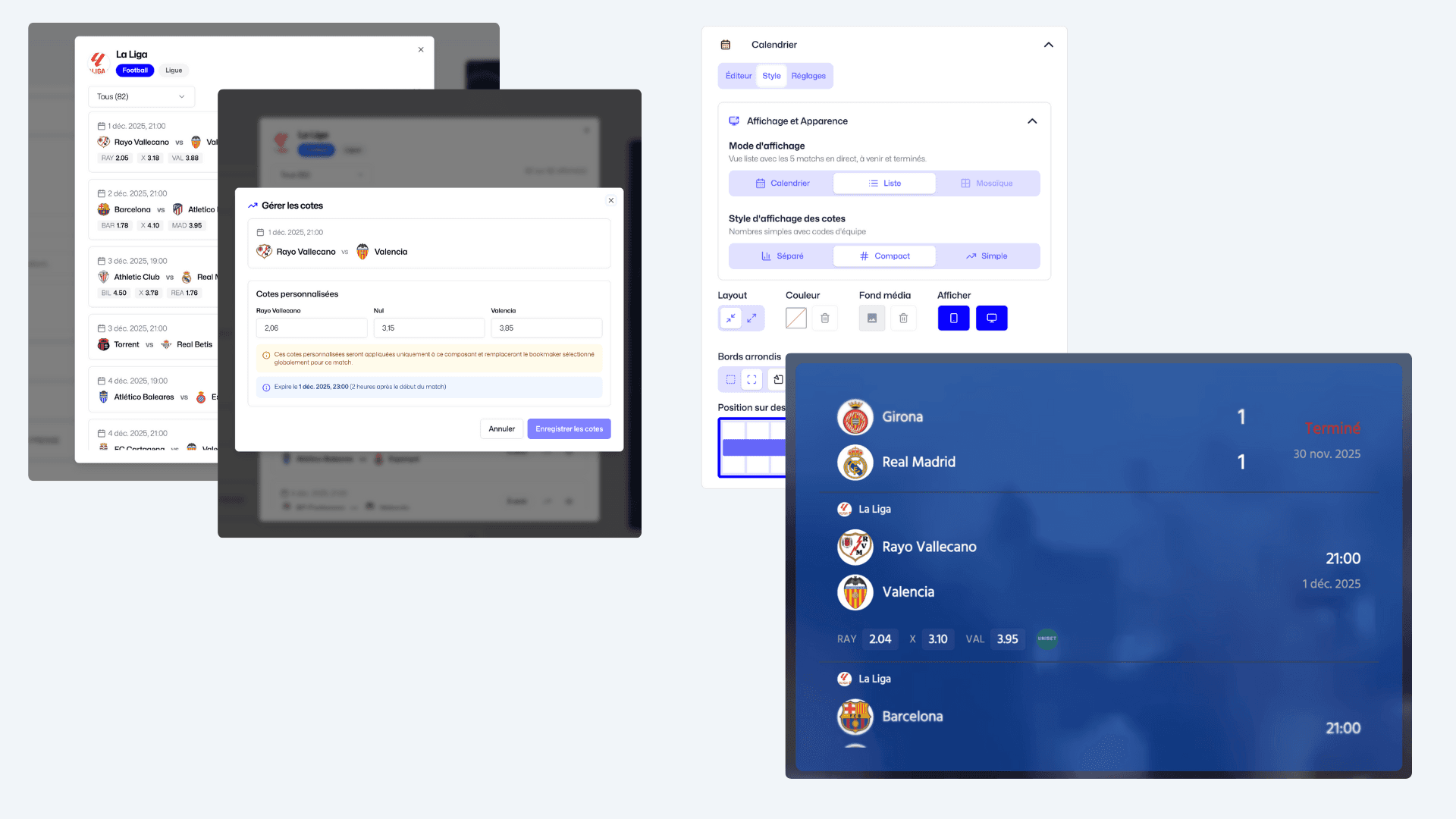
Two display modes: choose between a List view or a Calendar view, depending on your presentation style.
MMA: ability to reverse athlete order to match your display logic.
Bookmaker odds: you can now manually edit odds if the default ones don't suit your needs.
These optimizations strengthen the use of the Calendar in your Fanzones, whether for tracking a league, a club or an athlete.
▶️ YouTube component: automatic display and updates
Following your feedback, the YouTube Block evolves to become fully automated. Depending on the URL you insert (video, playlist or channel), the content automatically adapts to your Fanzone format with a daily update.
🎥 1. YouTube video
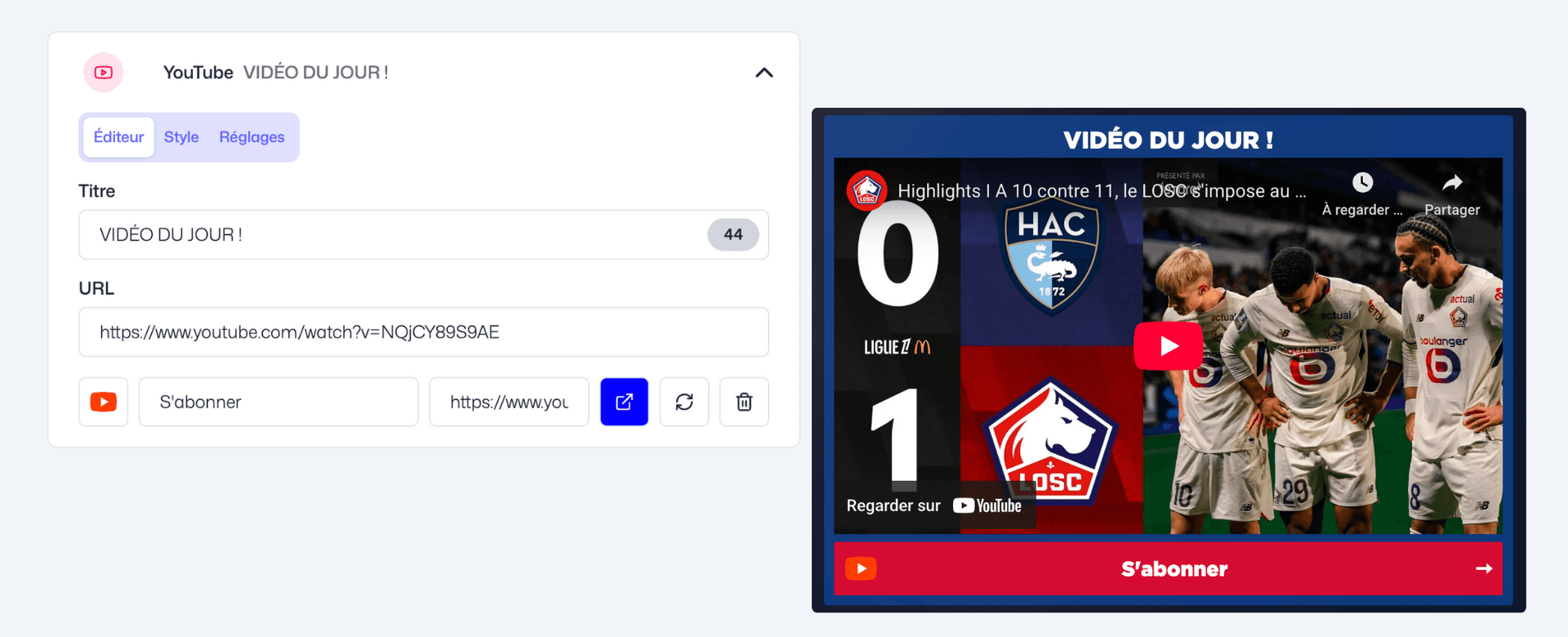
Whether it's a regular video (16:9) or a Short, the component automatically adjusts the display format. You can still customize the graphic style from the Style or Settings section. The video plays directly in the Fanzone, without redirection.
️ 2. YouTube playlist
To display videos from a specific playlist, simply insert its URL. You can then optionally choose the number of videos to display: the Block transforms into an interactive carousel. For ergonomic and performance reasons, when a fan clicks on a thumbnail, they are redirected to the corresponding video on your YouTube channel.
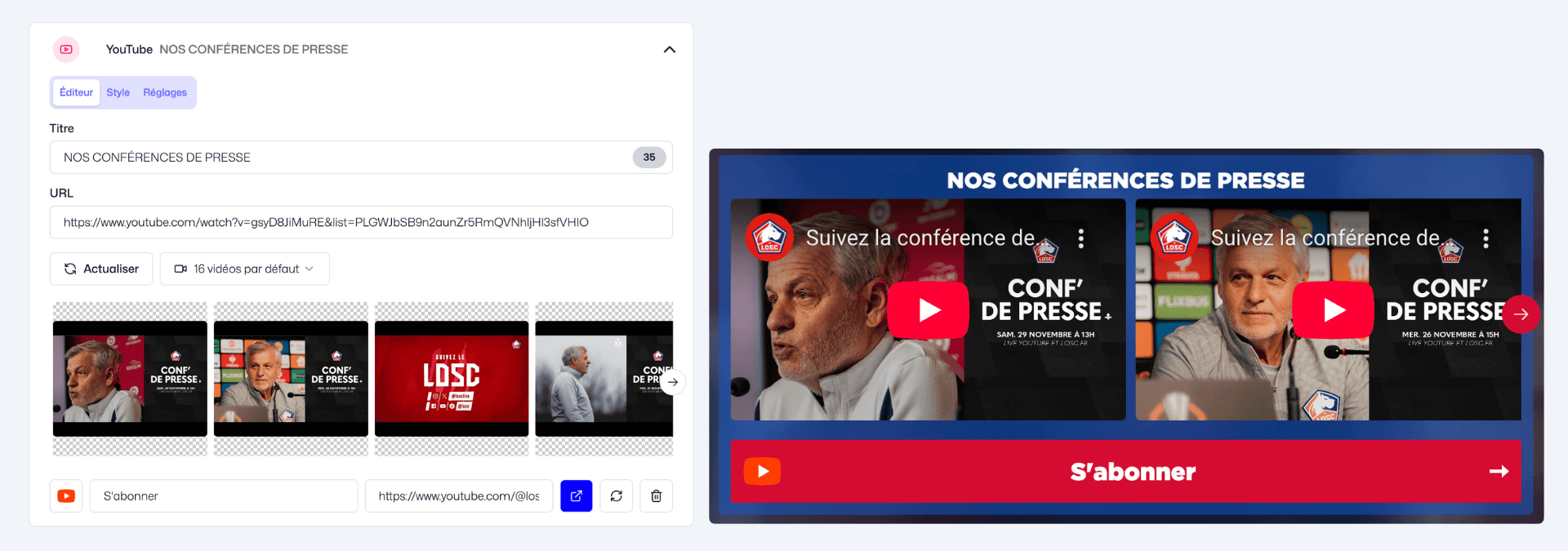
📺 3. YouTube channel
The carousel automatically refreshes every day, and you can force a refresh at any time via the "Refresh" button.
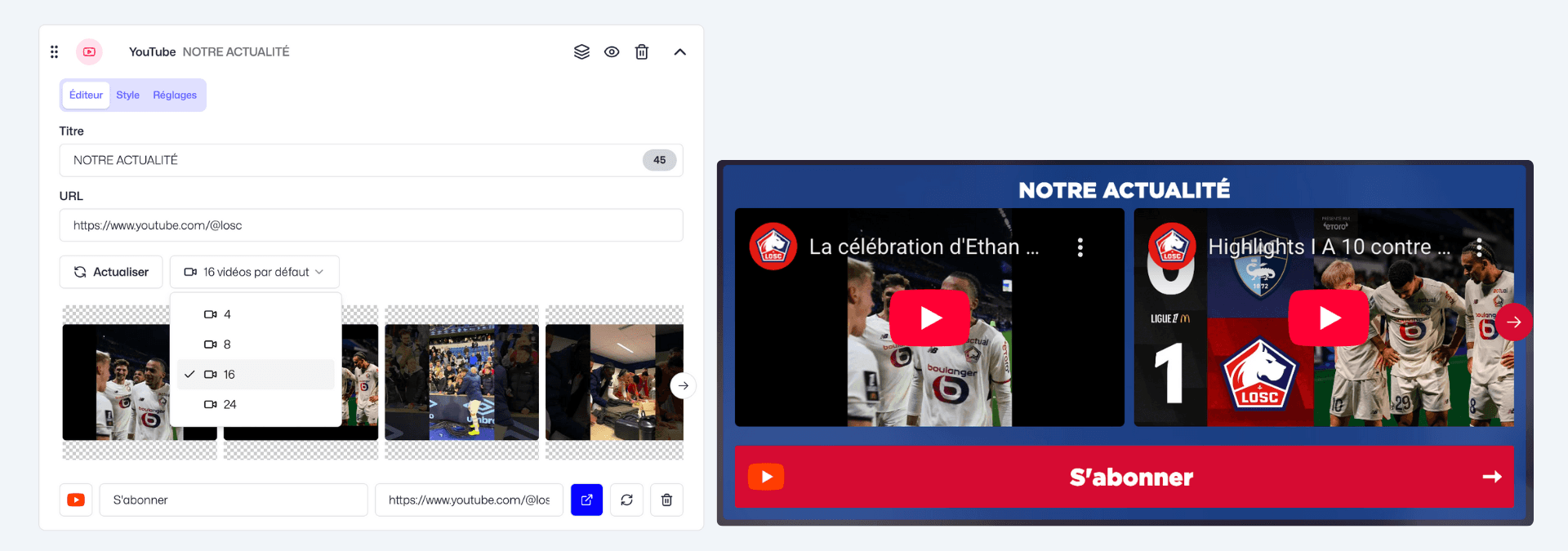
The new YouTube Block automates the broadcast of your video content in your Fanzone, with no manual maintenance. Perfect for keeping your fans up to date on your latest news, interviews or behind-the-scenes content!
Other optimizations
New
Fanzone ▸ Video Block: you can now add text directly in the Video component. The text can be displayed above, below or next to the video depending on the layout you want.
Updates
Baller: Improved ball rendering (shape, lighting…).
Better: Ability to hide the introduction screen and answer statistics depending on the question type.
Infrastructure and performance: Our infrastructure has been optimized for instant loading and smoother navigation, whether you are a creator or a player.
UX/UI: We improved several interface components in the Audience and Statistics sections to make searching easier and data browsing smoother.